
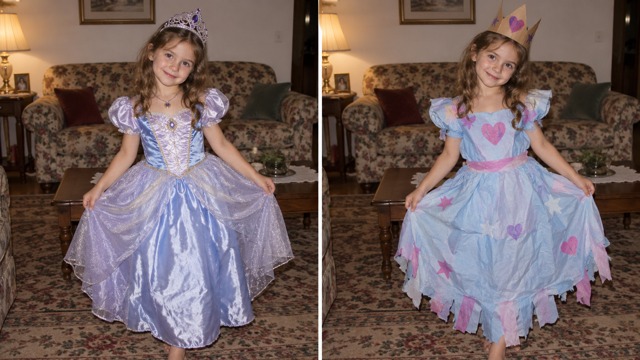
The paper-crown princess
From fancy fabric and a sparkling crown to the outfit you remember.
Make a Sorry I Lied AI reveal from your childhood photo. Start with a too-perfect costume, take back a little of the story on each slide, then show what you actually wore.
Still images for your carousel. Review the credits before each edit.
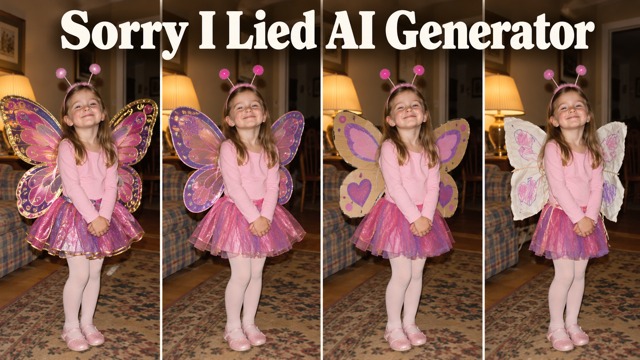
The “I’m So Sorry I Lied” trend works like a small visual confession. A fabulous costume comes first; ordinary fabric, homemade accessories and the real family photo gradually tell the truth. Keep the face, pose and surroundings recognizable so the outfit carries the joke. Your original is the ending, with no AI edit applied to it.
Bring a clear costume photo. Choose what the outfit was meant to be, then create and review the three stages here.
Your edits are private by default. Keep this page open while building the set; generated images also appear in Your videos & images.
Create each edit separately, then put your real photo last.
Match original asks the model to retain the source framing. A different ratio may reframe the AI edits; the original stays unchanged.
5 credits per edit · 15 for three edits · original: no generation. Redoing a slide is a new paid generation.
From fancy fabric and a sparkling crown to the outfit you remember.
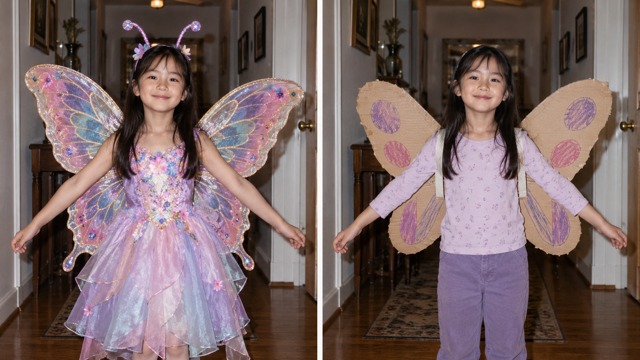
Start with elaborate wings; work back toward the cardboard and paint.
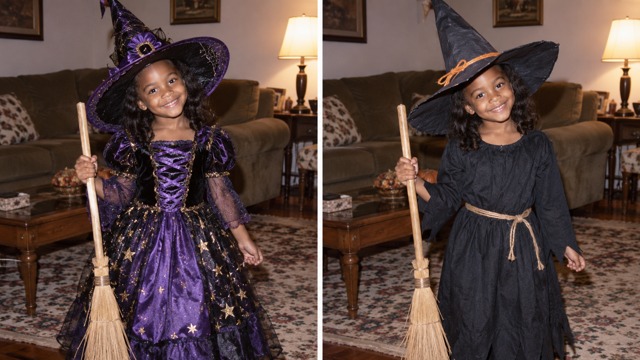
A simpler hat, a familiar broom and exactly the same room.
Licensed synthetic examples illustrate costume changes. They are not verified customer outputs.
Pick one clear photo with a visible face and costume. Avoid a group shot. The generator keeps this upload as your fourth slide.
Choose Perfect costume, First apology and Almost honest in turn. Each makes one separate image from your original. Check continuity before moving on.
Download all four images in order. Copy or rewrite the captions in TikTok Photo Mode, Instagram or your editor. Add permitted music there if you want it.
Sorry I Lied AI is a photo reveal format: an impressive Halloween costume becomes less glamorous over several slides, ending with your real childhood photograph. It is also called the I’m So Sorry I Lied trend. The contrast between the edits and the original makes the joke.
Use one JPEG, PNG or WebP under 10 MB, with one clearly visible person and costume. Full-body family snapshots work well. Use a photo you have permission to edit and share, with parent or guardian permission for a child’s photo.
Create and review each of the three AI edits separately on this page. Each submission makes one image and has its own credit estimate. Your uploaded original is kept as slide four without being regenerated. You can redo an individual stage for another generation charge.
This generator outputs still images. Download them in order for TikTok Photo Mode or an Instagram carousel. To make a video, arrange the images in a video editor and add music you are allowed to use. Captions shown here are suggestions to copy into your editor.
Every edit uses your original as its identity and scene reference, with instructions to preserve age, pose, face and surroundings. AI can still change details. Compare every result with the original and download the versions you want to share.
The generator shows the current price per AI image and the total for three edits before you submit. The original does not need a generation. Uploading and reviewing settings does not start a paid generation; only an explicit Create slide action does.