Tutorials
How to make AI meme videos: step-by-step tutorials
These guides explain the visual setup behind selected AI meme formats and link to public reference clips. A template starts a new AI generation, so faces, framing, motion, timing, and sound can differ from its reference. Use the creator to review photo inputs, model settings, and the credit estimate; processing time varies.
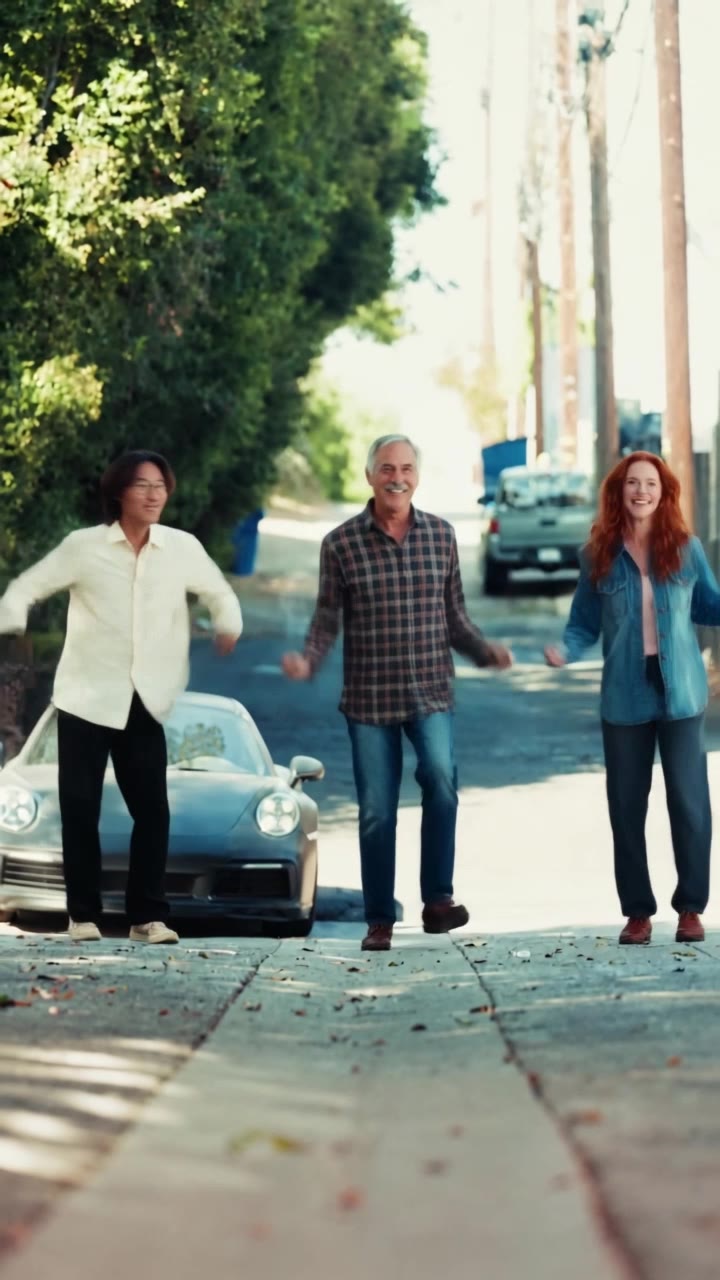 How to make the Babydoll Dance AI videoPhoto roles and current output settings are shown in the creator.Three friends hand in hand, a sunny street, the Babydoll two-step on every beat. You do not have to learn a single step.Reference scene only. Generated movement and timing may differ.
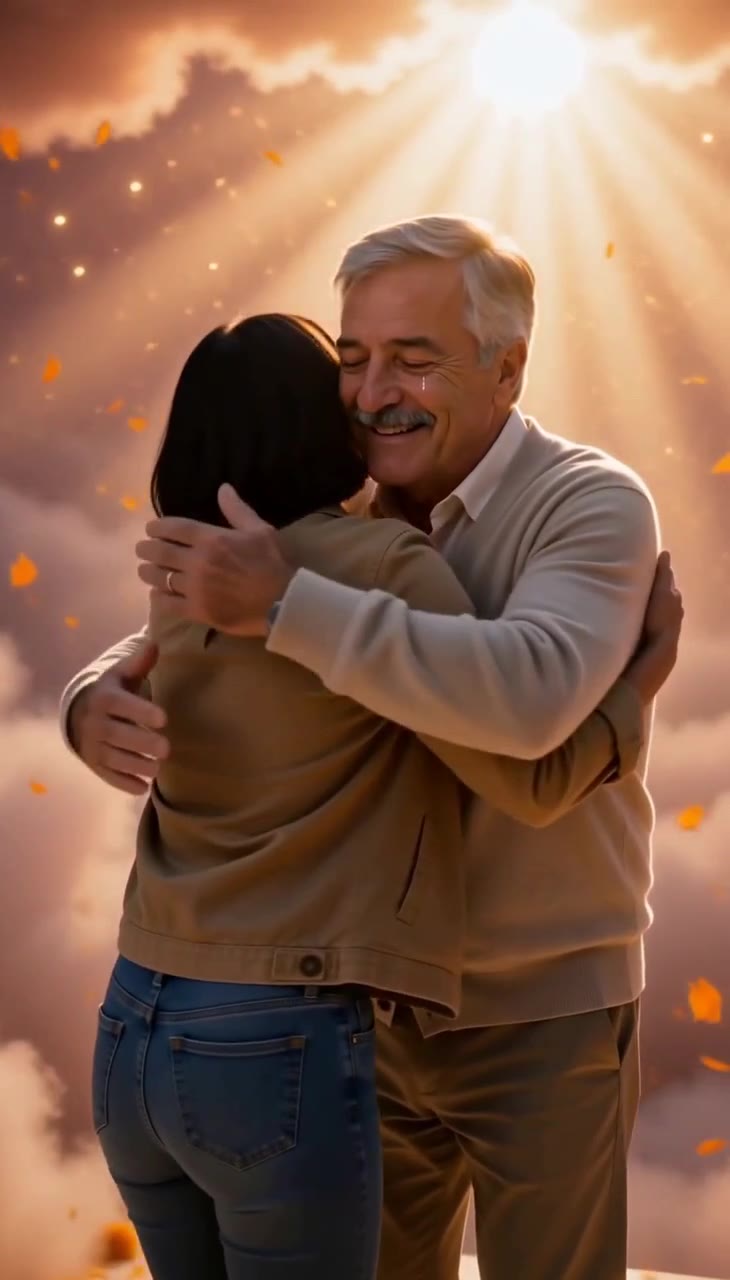 How to make the Hug in Heaven AI videoPhoto roles and current output settings are shown in the creator.Tears on a stairway of light, a face you have missed appearing at the top, open arms, and one long hug among marigold petals.Reference scene only. Generated movement and timing may differ.
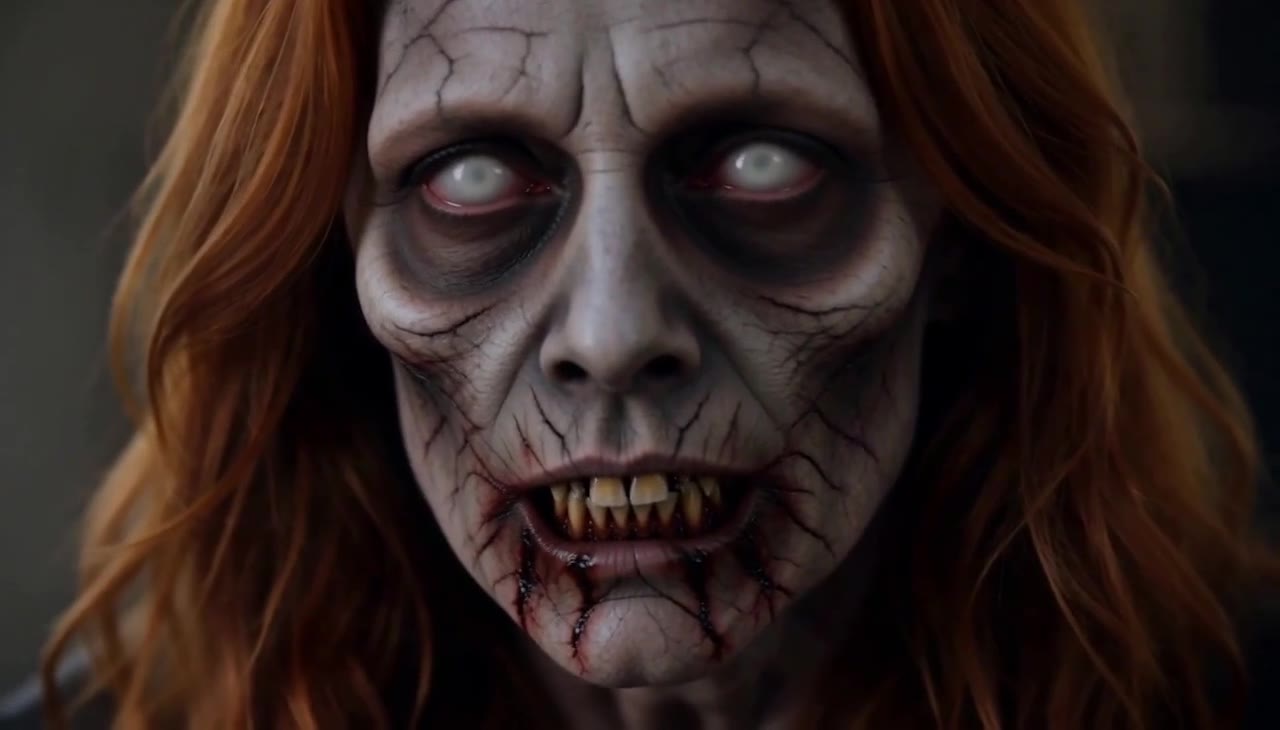 How to make the Zombie Couple AI videoPhoto roles and current output settings are shown in the creator.A gun shaking in their hands, the one they love walking in as a zombie, no shot as it lunges, and a cut to a memory in the golden grass.Reference scene only. Generated movement and timing may differ.
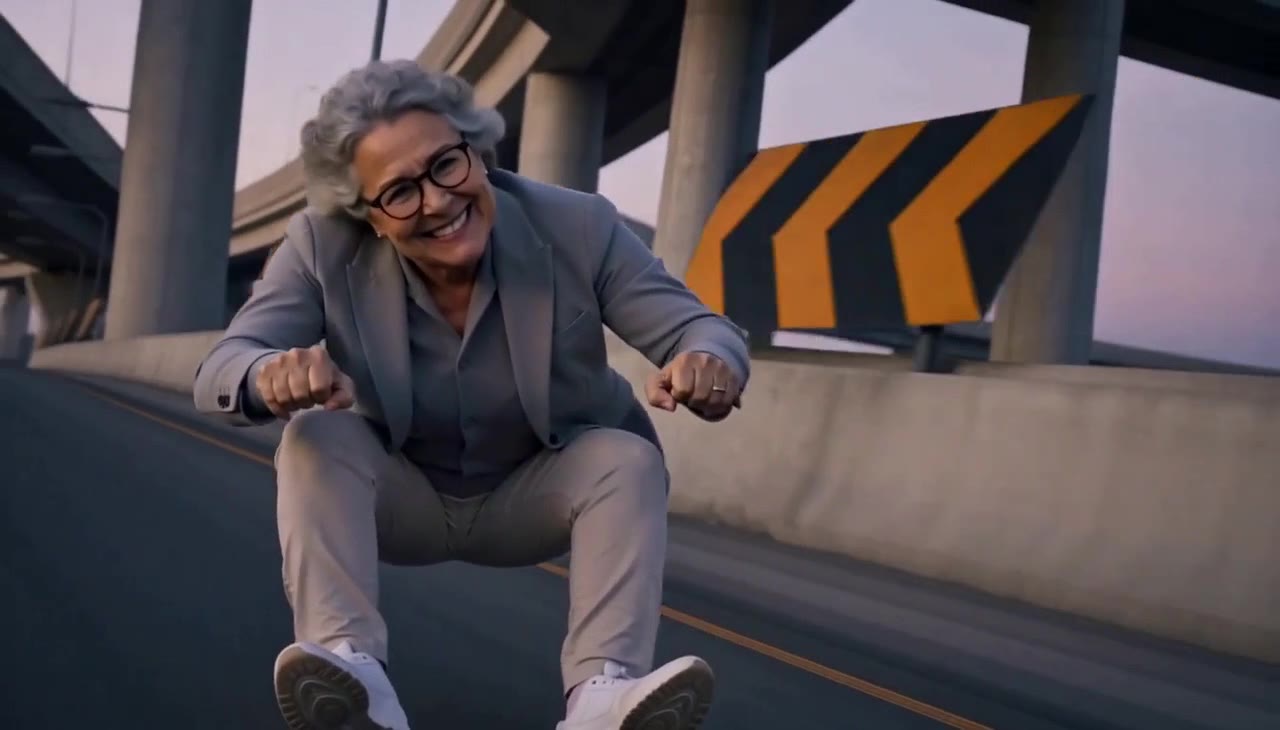 How to make the Crazy Frog AI videoPhoto roles and current output settings are shown in the creator.A deep squat, fists on handlebars that are not there, a cop on a glowing hover-bike, a flip in mid-air.Reference scene only. Generated movement and timing may differ.
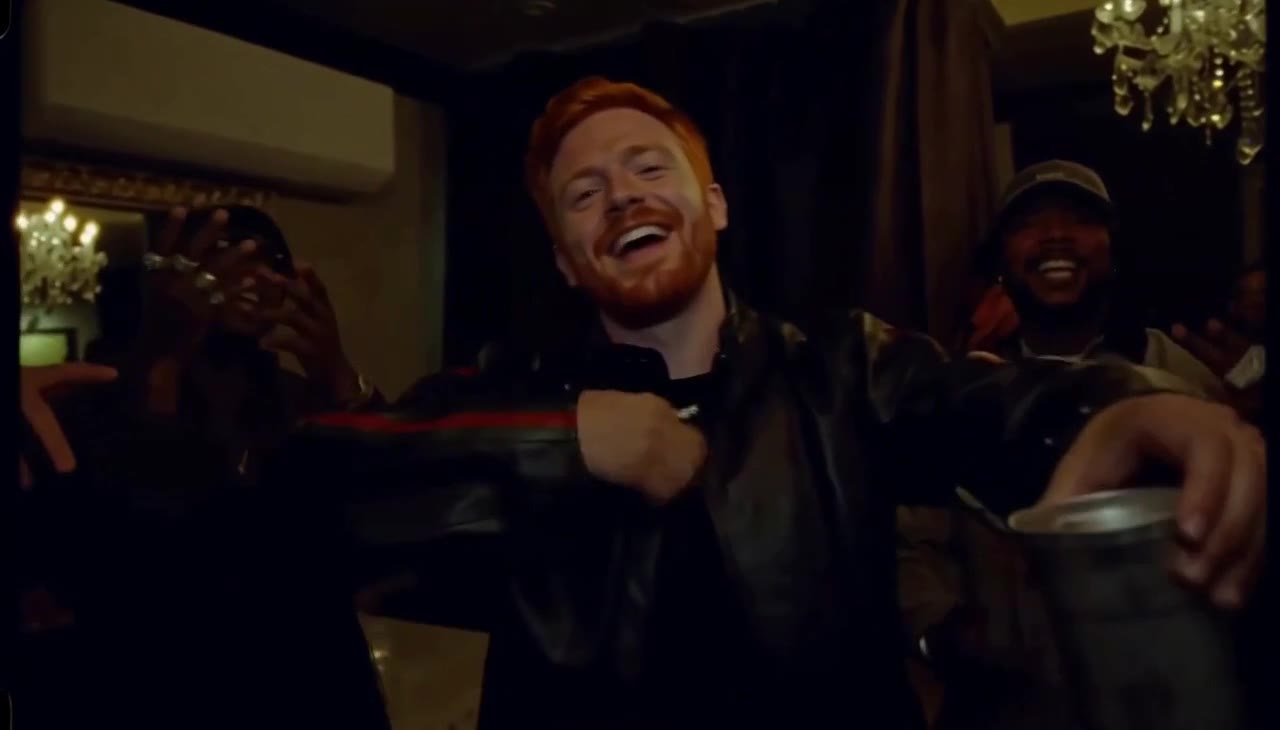 How to make the Burning Bridges AI videoPhoto roles and current output settings are shown in the creator.The chandelier dinner, the friends raising glasses, the hand over the eyes: "where she at?"Reference scene only. Generated movement and timing may differ.
 How to make the Hotel Lobby AI videoPhoto roles and current output settings are shown in the creator.Two people, one hanging microphone, the orange wall. The meme that took over TikTok in September.Reference scene only. Generated movement and timing may differ.
 How to make the Rumpelstiltskin AI videoPhoto roles and current output settings are shown in the creator.The Rumpelstiltskin tip toe dancer in the orange coat creeps through the straw while someone watches in horror.Reference scene only. Generated movement and timing may differ.
 How to make the Bulin 47 AI videoPhoto roles and current output settings are shown in the creator.The red lights, the speaker, the crowd filming on phones, and someone new in the middle.Reference scene only. Generated movement and timing may differ.
 How to make the Alors On Danse AI videoPhoto roles and current output settings are shown in the creator.One taps the beat on a mini keyboard, the other cannot sit still. The white studio sketch, with your two people.Reference scene only. Generated movement and timing may differ.
Why these AI meme videos stay close to the original clip
A public reference clip can help explain the setup behind a meme, but it does not guarantee that an AI model will reproduce its camera, edits, choreography, or audio. These guides separate the source scene from the new result: use the linked reference to understand the format, then review the selected creator settings and estimate before submitting. Model output and processing time vary.
What every tutorial covers
- The trend clip and its source-site reference shown side by side, so you can review the scene before choosing a template.
- Photo preparation and the steps to review in the creator.
- Which details describe the reference and which generated details may vary.
- Photo tips for that template, and the manual way with a general AI tool for comparison.
- Selected public posts with creator links and dated counts when available.
Credit use depends on the selected model and settings. Review the estimate before you submit. See pricing or browse all meme templates, including the photo templates.