
Uncategorized
How to Make a Malfoid AI Video: Prompts, Workflow, and Tips
Learn what Malfoid AI means and how to create an original Malfoid-inspired AI video with a reference image, focused prompts, and a practical review checklist.

How to Make a Malfoid AI Video: Prompts, Workflow, and Tips
“Malfoid AI” can mean more than one thing. In current searches, it commonly points to fan-made images and short clips that reimagine Draco Malfoy as a woman; the same phrase can also surface a separate AI image-generation product. This guide is about making an original, Malfoid-inspired AI video with Meme Video Maker. There is no dedicated Malfoid preset listed here, so the workflow uses the site's general image-to-video tools.
The most reliable result starts with one clear character reference, one simple action, and a short clip. Keep the face, outfit, and setting consistent; let the model animate a single beat instead of asking it to tell an entire story at once.
What does “Malfoid AI” mean?
“Malfoid” is a fan-made name for a feminine take on Draco Malfoy, a character from the Harry Potter series. It is not an official character or a single AI model. People use the term for portraits, fan edits, short AI animations, and related jokes or stories. Search results can also include a separate image tool with Malfoid in its name, so check whether a result makes still images or video before following its steps.
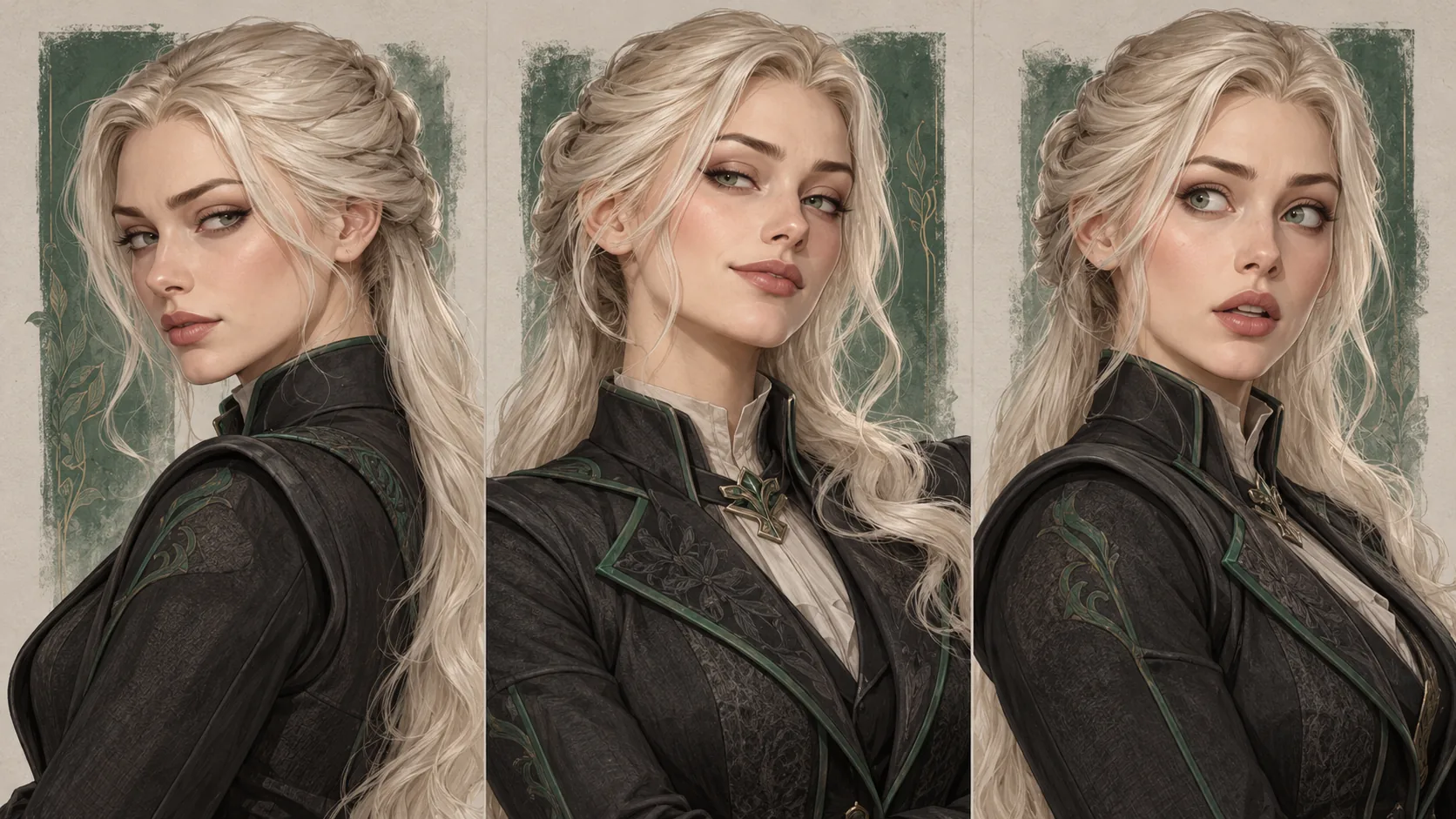
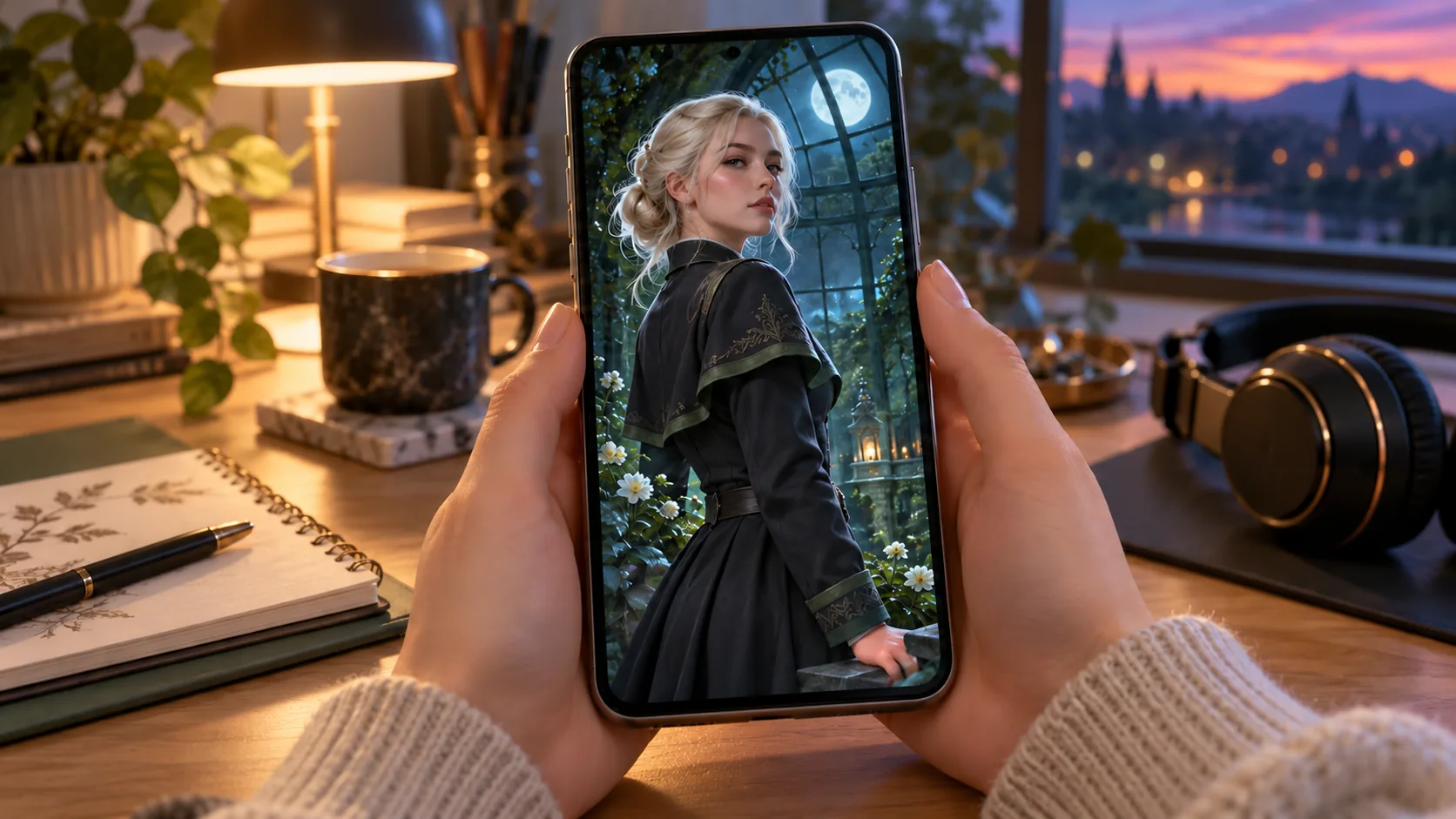
For a video, think of Malfoid as a creative direction rather than a preset: a pale-haired, sharp-witted magical-school rival, an aristocratic dark uniform, a cool expression, and a dramatic setting. Build your own version from original art or an image you have permission to use. The examples in this article are original AI-generated illustrations, not official character art or screenshots.
Before you generate: choose a reference and a scene
Pick a clear portrait or full-body image with one visible subject. A front-facing or three-quarter view gives the model useful facial and clothing details. Avoid tiny faces, heavy filters, busy backgrounds, and images with text. If you are preparing a source image, the site's AI meme generator guide explains how prompt-led image and video creation differ.
Write down three details you want to preserve: for example, a platinum-blond hairstyle, a charcoal academy coat with muted green trim, and a cool, self-possessed expression. Then choose one visible action, such as turning toward the camera or lifting an eyebrow. A short action is easier to keep coherent than several scene changes.
Step-by-step: create a Malfoid-inspired AI video
- Open an image-to-video workflow. Visit the photo-to-meme video guide for the workflow overview, then open the image-to-video studio. Choose a model that accepts an uploaded first frame; available models and controls can change, so use the options shown in the studio.
- Add a reference you can use. Upload your own illustration, a licensed image, or an original character image. Keep the subject large enough to read in the final crop. Do not upload someone else's private photo without permission.
- Describe one shot. Name the character's visible traits, setting, camera framing, and one action. Add a consistency instruction such as “keep the same face, hairstyle, and outfit throughout.” Avoid stacking unrelated actions or asking for detailed readable text inside the video.
- Review the settings and estimate. Confirm the selected image-to-video model, aspect ratio, duration, and any displayed credit estimate before generating. Each model may interpret references differently; a description of a feature does not guarantee a perfect match.
- Generate, watch, and refine. Review the full clip, especially the face during movement, hands, outfit details, and the first and last frames. If one detail drifts, simplify the action or shorten the shot and try again. Check the current pricing and credit details before starting additional runs.
A prompt you can adapt
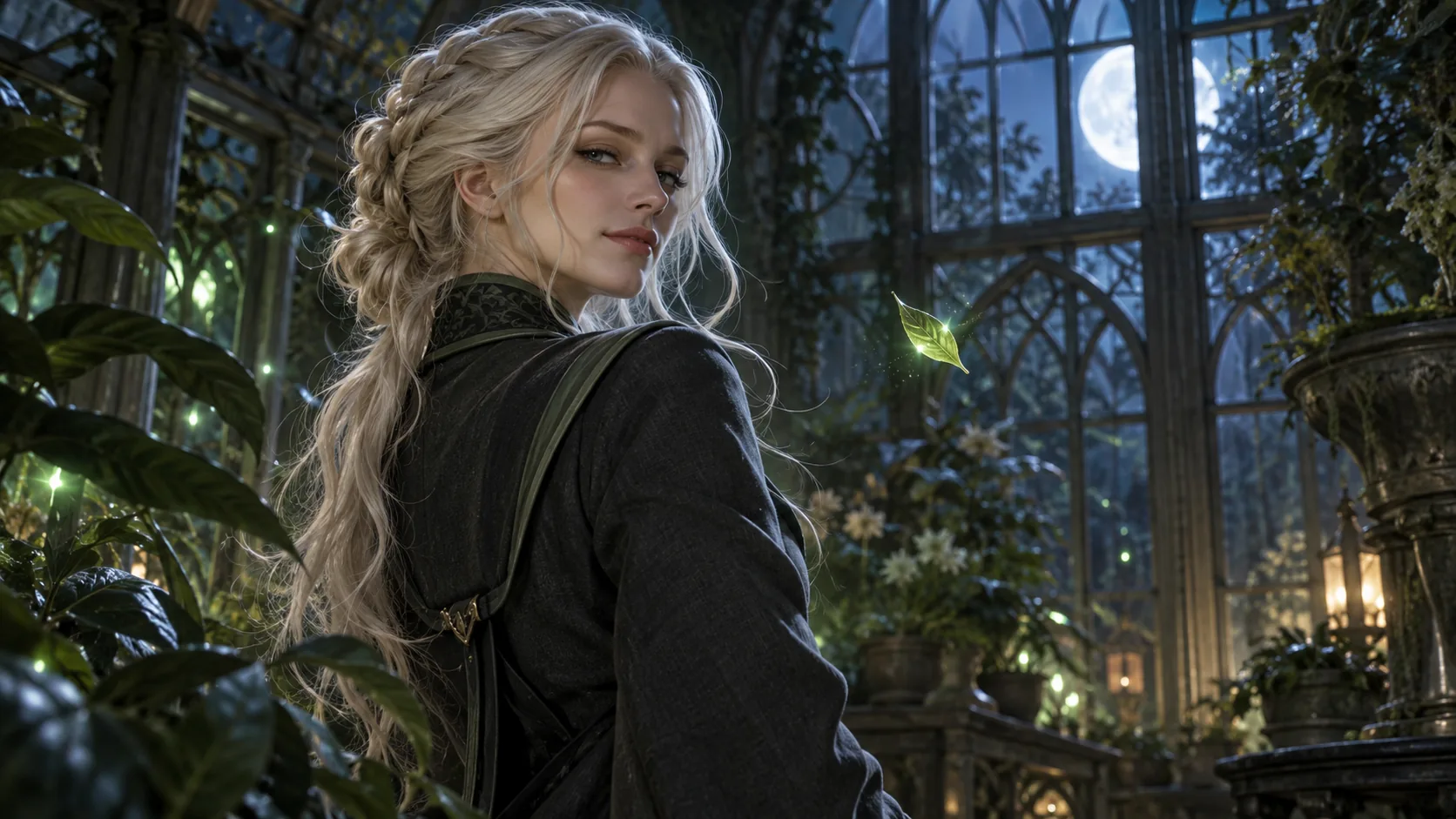
An original adult magical-academy rival with platinum-blond hair and a charcoal coat with muted emerald trim stands in a moonlit greenhouse. She slowly turns toward the camera as a light breeze moves a few strands of hair. Medium shot, subtle expression, one continuous take, cinematic cool lighting. Keep the same face, hairstyle, and outfit throughout. No titles, captions, logos, or scene cuts.
The prompt describes an original adult character rather than requiring an exact copyrighted design. If you are making fan art, keep it clearly labeled as fan-made and follow the rules of the platform where you share it.
How to keep the character recognizable
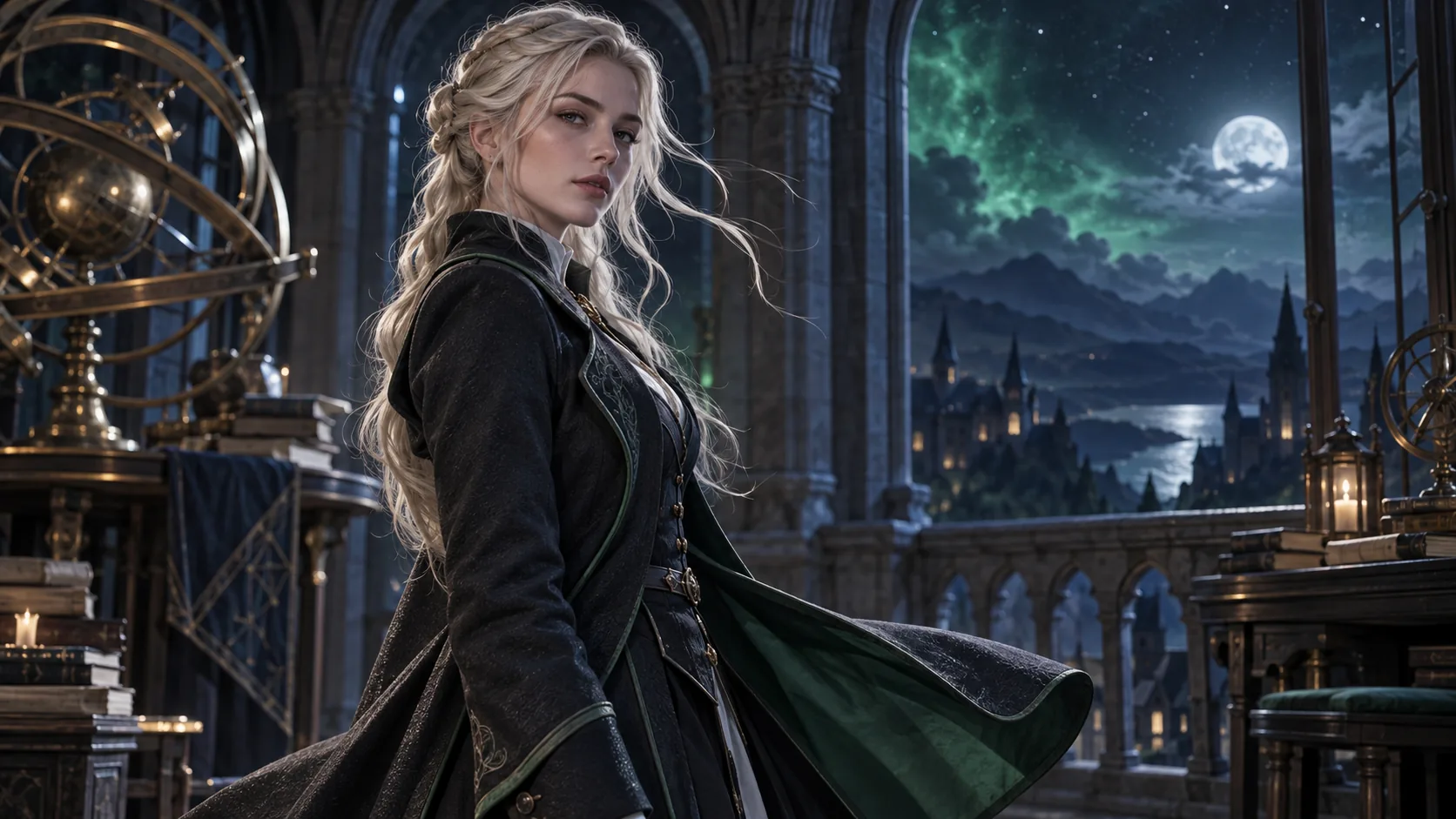
AI video can change a face or costume between frames, especially when the camera moves or the prompt contains several actions. Use this quick review before you export:
- Identity: Does the hairline, face shape, and expression stay close to your reference?
- Wardrobe: Do the coat, trim, and accessories remain stable during movement?
- Motion: Does the action read clearly without warped hands, flickering, or sudden jumps?
- Framing: Is the face visible at the size and crop used by your destination platform?
- Text and sound: Add exact captions, titles, or music in an editor after generation; inspect the result for accidental marks or artifacts first.
If the clip misses, change one variable at a time. A closer reference crop may help with facial consistency; a simpler movement may help with hands and clothing. Keep the original prompt and compare versions so you can see which change improved the result.
Make it work as a short social video
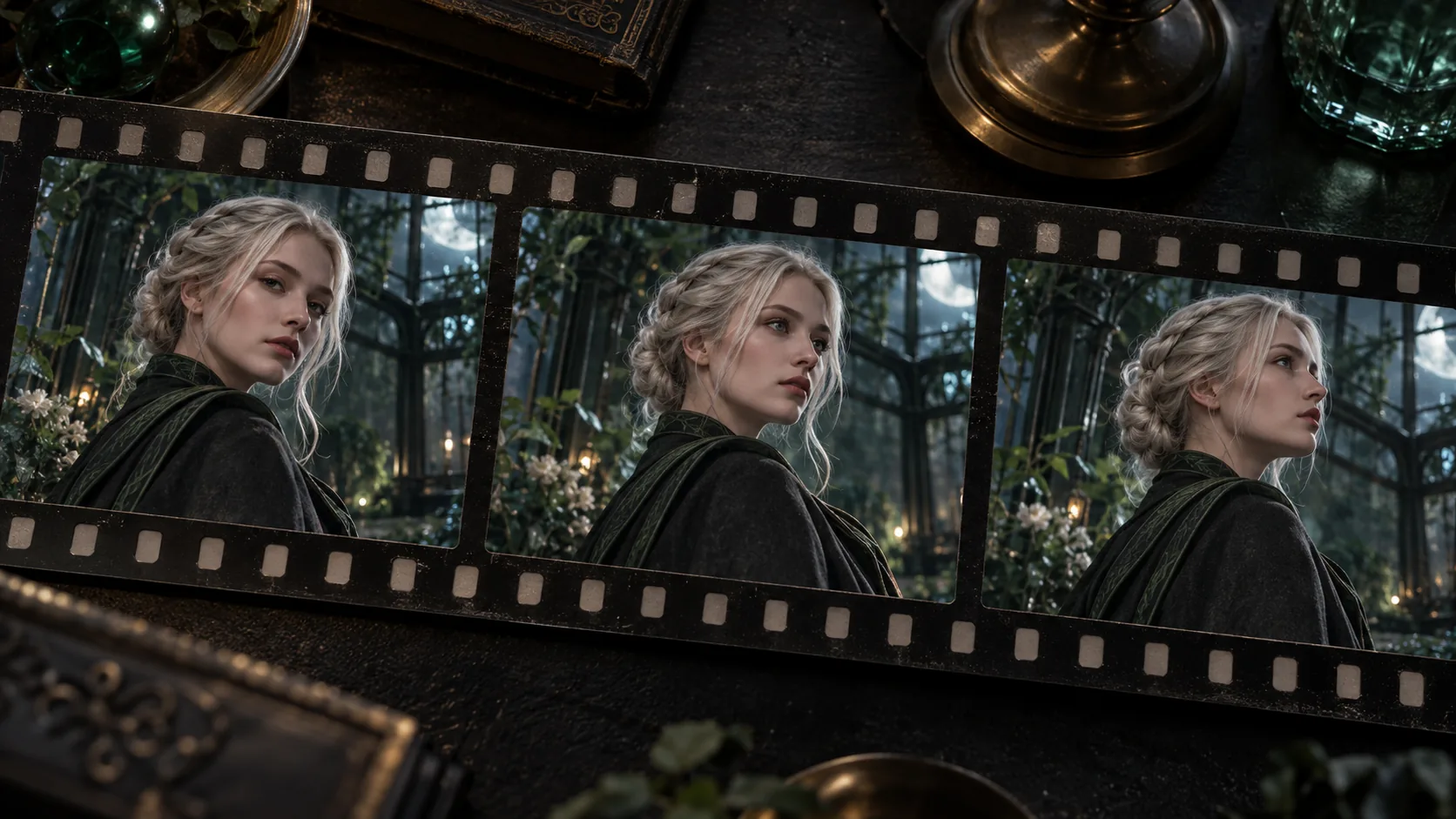
Decide on the final format before you generate. A vertical crop suits many short-form feeds, while a wider frame gives a scene more room. Keep the subject near the center if you may crop later, and leave visual space around the face. Preview the whole clip on a phone-sized screen; small defects that are hard to see on a desktop can stand out after compression.
For a meme edit, make the visual beat understandable without a long explanation. Add your own caption in a separate editor rather than asking the video model to spell it. Before posting, check that you have permission for the reference image, any recognizable likeness, and any music or added assets. Do not imply that fan-made work is official or endorsed by a franchise or rights holder.
Frequently asked questions
Is Malfoid AI an official Harry Potter character or tool?
No. “Malfoid” is used for fan-made interpretations and related AI art, and search results may also show separate products using the name. It is not an official character or one universal generator.
Can Meme Video Maker generate a Malfoid video with one click?
There is no dedicated Malfoid preset listed in the current template library. Use the general image-to-video studio, select an available model that supports a reference image, and write a prompt for an original fan-inspired scene.
Why does the face change during the video?
Video models synthesize motion frame by frame, so identity can drift as pose, lighting, or camera position changes. Start with a clear reference, describe fewer actions, keep the camera movement modest, and review the full result before sharing.
What should I use as a reference image?
Use original artwork, a properly licensed image, or a photo you have permission to use. A well-lit, unobstructed portrait with a clear face and simple background is a useful starting point.
Can I publish a fan-made Malfoid AI video?
That depends on the image, likeness, music, and platform rules involved. Label the work as fan-made, do not claim official affiliation, and use source material you have the right to upload and share.
Make your own version
Start with one reference and one action, then refine the result using the checklist above. Explore the site's AI video templates if you want a different starting point, or open the image-to-video studio to build an original scene.